Using a controller on PC is close to automatic: Xbox controllers work natively over USB and Bluetooth, PlayStation DualSense pads connect the same way but need a driver layer for full features, and Steam Input translates almost any pad for almost any game. The main work is in the details — matching on-screen button prompts, remapping, and getting non-Steam games to see the controller. Most setups take under ten minutes once you know which layer handles what.
This is a setup guide based on how the platforms behaved as of 2025. Driver and firmware updates occasionally change specifics, so treat vendor support pages as the final word.
Which controllers work on PC without extra software?
Xbox controllers are the native standard: Windows recognizes them instantly over USB, the Xbox wireless adapter, or Bluetooth, and games show matching ABXY prompts by default. PlayStation DualSense and DualShock 4 pads connect over USB and Bluetooth too, and Steam supports them fully, but games outside Steam vary in showing correct symbols. Third-party pads built to the Xbox layout behave like Xbox controllers; Nintendo Switch Pro controllers work through Bluetooth with Steam's help.
USB or Bluetooth — which should you use?
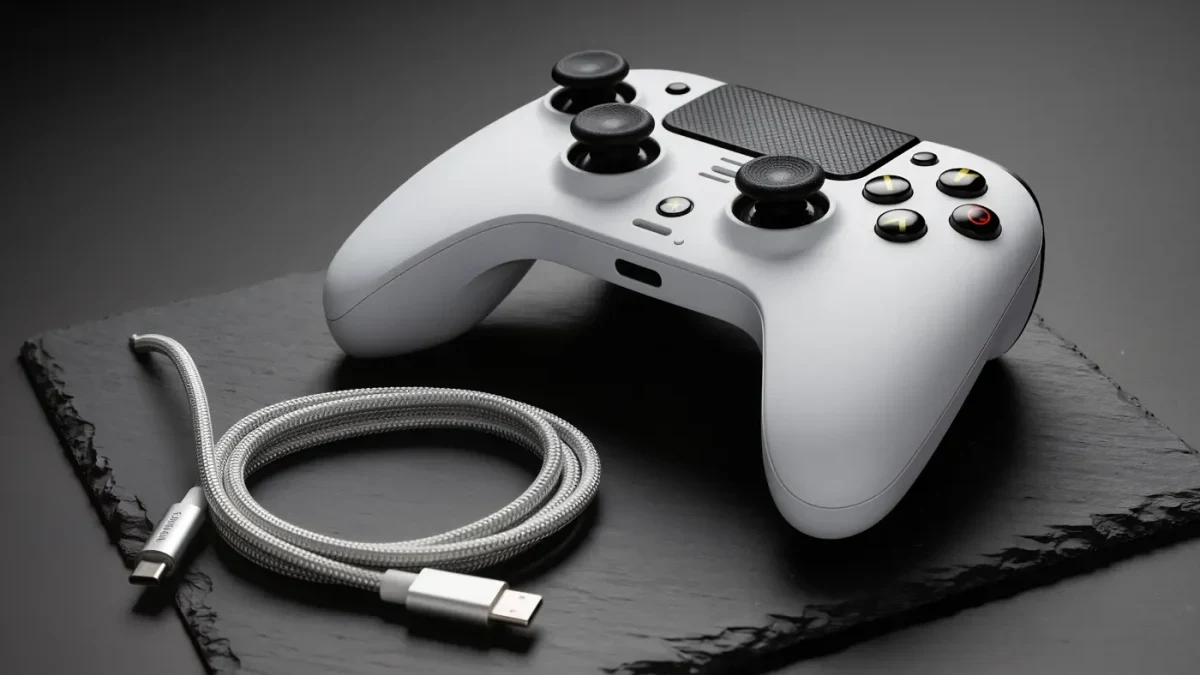
USB for competitive play, Bluetooth for convenience. A cable gives a steady connection, no pairing, and charging. Bluetooth adds a few milliseconds of delay — fine for most games — plus occasional interference in crowded wireless environments. Skip third-party USB adapters unless a specific pad requires one; the official adapter for Xbox pads supports multiple controllers on one dongle.
How do you connect a PlayStation controller?
Hold the PlayStation and Create buttons until the light bar flashes, then pair under Windows Bluetooth settings as Wireless Controller. Over a cable, it simply connects. Sony publishes a firmware updater for the DualSense that fixes connection quirks — run it once before blaming the pad. Inside Steam, the pad works with trackpad, gyro, and light features; outside Steam, most games treat it as a generic gamepad, which brings up the prompt question.
Why do button prompts show the wrong symbols?
Because the game guessed your controller type. Steam has a fix: Settings, Controller, Desktop Layout — and in-game under the controller menu, enable PlayStation button prompts when using a DualSense. Many games include a setting for it themselves. Games that support SDL2, a common controller library, usually detect pads correctly on their own; older titles may need a community patch for non-Xbox symbols.
What does Steam Input actually do?
Steam Input is the translation layer that makes any supported controller behave like a standard pad in any Steam game — and in non-Steam games added to the library. It supplies remapping, per-game layouts, gyro aiming, and community configurations that often rescue games with poor native controller support. Turn it on under Settings, Controller for all controllers, and add non-Steam games through the Add a Game menu so they get the same treatment.
How do you remap buttons?
Two layers exist. Steam Input's remap applies everywhere in Steam: open the overlay during a game, pick a layout or the community tab, and assign actions per button. Windows itself has no universal remapper for controllers, so outside Steam you either use the pad maker's app — Xbox Accessories, DualSense Edge profiles, or vendor tools like those from Razer and 8BitDo — or a third-party remapper, which can conflict with anti-cheat in online games. Prefer the official route whenever one exists.
What if the game ignores the controller completely?
Work down the list. Confirm the pad works in Steam's own controller settings test. If it works there but not in the game, the title may need Steam Input forced on for it specifically, or it may be reading only Xbox pads — a compatibility layer like the one built into Steam handles most cases. Games older than roughly 2012 sometimes lack controller support entirely; adding them to Steam as non-Steam games and applying a configuration is the usual fix. For online games with anti-cheat, avoid low-level keyboard-emulation tools, because some anti-cheat software flags them.
Should you adjust stick curves or dead zones?
Only after the basics work. Steam Input exposes response curves and dead zones per stick; slightly lowering a dead zone tightens small-aim control in shooters, at the cost of drift becoming visible on worn sticks. Vibration strength and trigger effects can be scaled down or off, which many players prefer for longer sessions. Change one setting at a time and play a match before deciding.
What about gyro aiming?
It is the strongest argument for PlayStation and Switch-style pads on PC. Steam Input can map fine aiming to controller tilt, leaving the right stick for large turns — an approach closer to a mouse than a stick alone. Enable it in the controller configuration for a shooter, set the tilt to aim mode, and expect a week of adjustment before it feels natural.