Open any gaming PC ad and you will see two memory claims. The graphics card brags about its own memory in big type. The system brags about its RAM right below. It is tempting to treat them as one large pool of speed. In truth, they are two separate parts that do two separate jobs.
This guide breaks down what each memory type holds, why a game needs both, and how to tell which one is holding your frame rates back. Readers following this should also see Hytale Early Access Finally Launches on PC.
What Video Memory Does
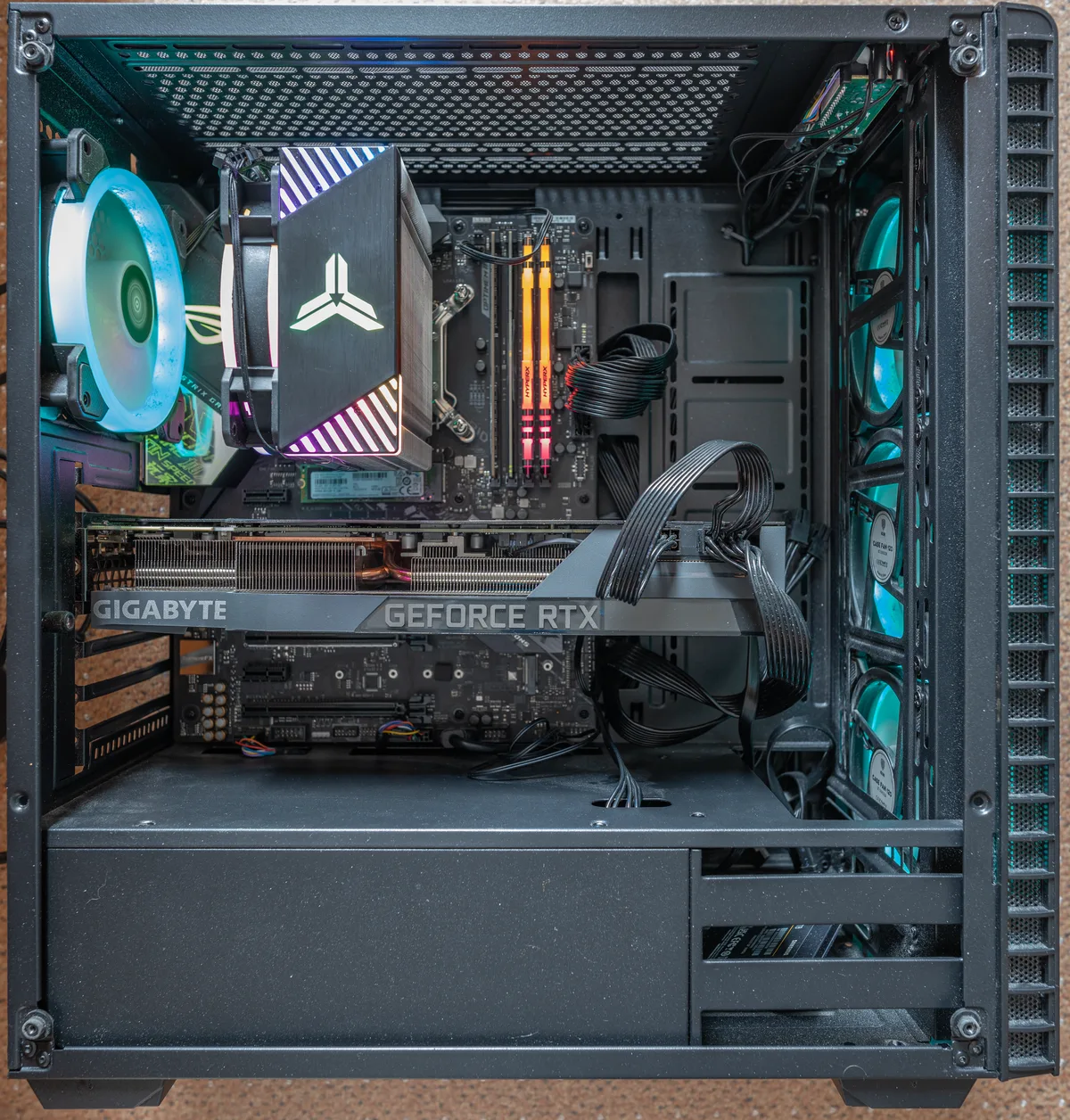
A graphics card is an expansion card that generates the graphics output for your display. Its brain is the graphics processing unit, or GPU. Wikipedia notes that a graphics card carries separate random access memory of its own, plus its own cooling and power parts.
That onboard memory sits right next to the GPU chip. It holds the screen image itself, along with the heavy assets a game renders: textures, depth data, vertex buffers, and compiled shader programs. Because the data lives so close to the chip that uses it, the GPU can pull it back almost instantly while it draws each frame.
What System RAM Does
System RAM serves the whole computer instead. Wikipedia defines RAM as electronic memory that stores working data and machine code, which can be read and changed in any order. It is volatile, so its contents vanish the moment power is cut.
Your processor uses this pool for everything that is not drawing. The operating system runs here. The game's logic, the level data it has loaded, and your open browser tabs all share the same space. RAM is the workbench. Video memory is the canvas on the easel. We covered a connected angle in How Casino Games Borrow Mechanics From Video Games.
Why One Cannot Replace the Other
The two pools are built for different chips, and the wall between them is firm. A dedicated card keeps its memory on its own board, so texture data moves without fighting the processor for the path. Wikipedia notes that this lets a graphics card offload work and reduce memory bus contention from the CPU and system RAM, which can lift the speed of the whole computer.
Integrated graphics work the other way. They share system resources with the CPU, which is one reason they trail dedicated cards in game performance. The memory is not the only factor, but sharing it is a real cost.
When Each Type Runs Out
Shortages feel different on each side. When system RAM runs low, the operating system starts borrowing space from the drive, a setup called virtual memory. Wikipedia notes that heavy use of this swap hampers overall performance, because drives are far slower than RAM. A system that keeps swapping stutters outside the game as well as inside it.
When video memory runs short, the game itself has to make trade-offs. Textures and effects that no longer fit get scaled back, so the picture softens even though the rest of the system feels fine. The lesson is simple: watch which part is gasping before you spend.
Which Upgrade Helps Your Games More
Let the bottleneck decide. If the game alone is struggling, and image settings must drop to stay smooth, the graphics side is the likely limit. Wikipedia notes that a more powerful graphics card renders more frames per second, and that players often prefer one for exactly this reason. A stronger card is the direct fix for that case.
If the whole computer feels slow, or the drive churns while you play, the system side is the limit. That points to RAM, not the card. Matching the upgrade to the constraint is what separates a smart buy from an expensive guess.
Conclusion: Two Memories, Two Jobs
GPU memory and system RAM are teammates, not rivals. Video memory feeds the chip that paints your frames. System RAM feeds the processor that runs the game and everything around it. Neither can cover for the other, and a shortage on either side shows up on screen. Learn to spot which one is short, and every upgrade lands where it counts.