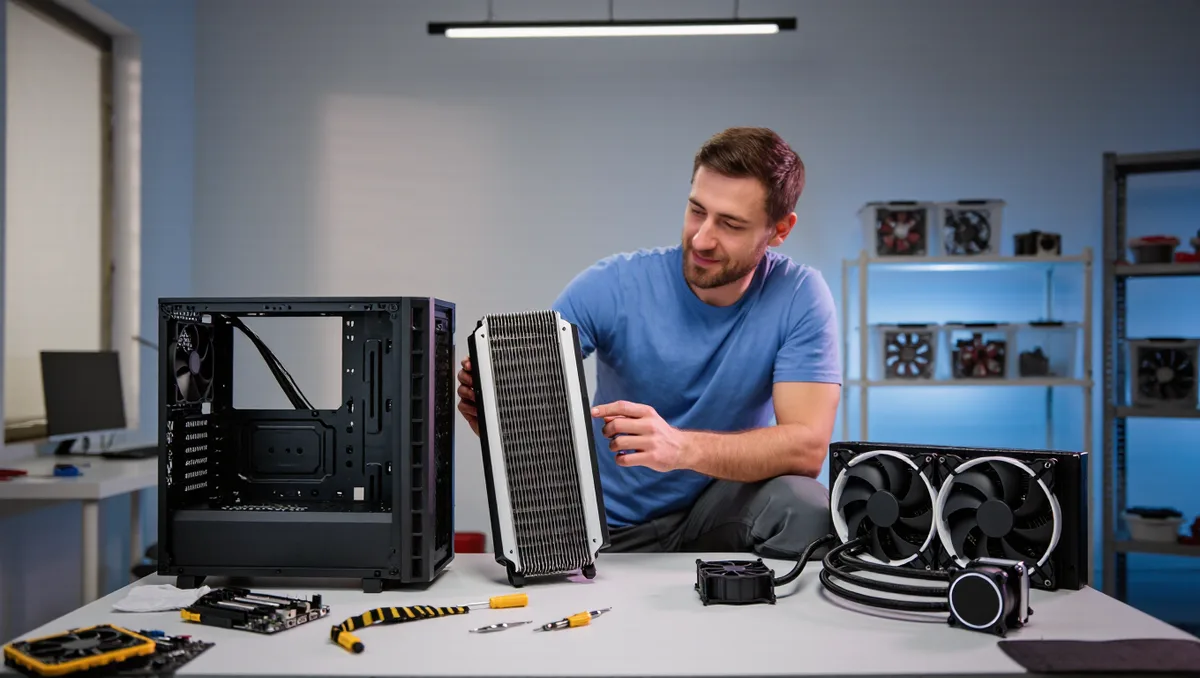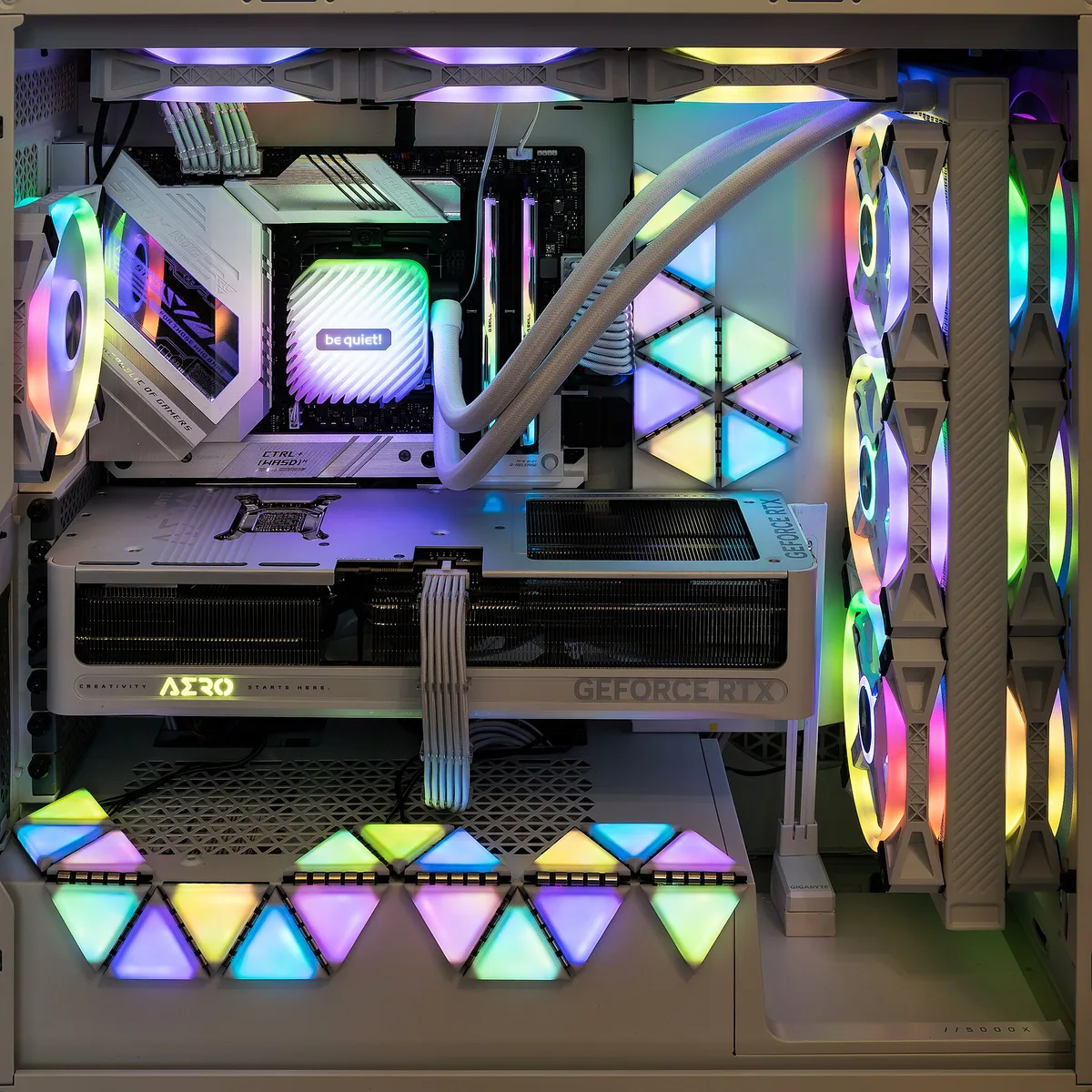
A quiet gaming PC build comes down to three things: parts that run cool in the first place, a case that moves air without fighting itself, and fan curves that only spin up when they actually need to. Get those three right and you can game at midnight without waking the house. Get them wrong and even a powerful rig turns into a wind tunnel.
The good news is that quiet and cool are not opposites. A well-planned airflow path lets fans run slow, and slow fans are quiet fans. This guide walks through where noise comes from, which parts matter most, and how to tune the whole system so it stays calm under load.
If you are still deciding between a store-bought rig and building your own, our Prebuilt vs. Custom Gaming PC: Which to Choose in 2026 guide covers the trade-offs. Building it yourself gives you full control over the parts that decide noise levels, which is exactly why quiet builders usually go this route. For more like this, the site's guides hub collects the full set.
Where PC noise actually comes from
Almost all the noise in a gaming PC comes from moving air. Fans push air across hot parts, and the faster they spin, the louder they get. The heat source behind that air movement is usually the graphics card and the processor, both of which dump a lot of energy as heat when you are gaming.
Coil whine is the other common culprit. It is a faint electronic buzz from power components, often the graphics card, and it tends to show up under heavy load. You cannot fix coil whine with fans or airflow. The practical answer is to pick components with a reputation for quiet operation and to accept that some units whine more than others.
Hard drives add a soft clicking, and cheap case panels can rattle or hum. Those are small fixes. The big lever is always the same: reduce heat at the source, then let slow fans carry it away.
Which component picks matter most for a quiet gaming PC build
Start with the parts that generate the heat, because a cooler-running part needs less fan speed to stay safe.
- Graphics card: choose a model whose cooler is known for low noise. Two cards with the same chip can sound very different depending on the cooler design the board partner built around it. A larger cooler with more surface area can run its fans slower at the same temperature.
- Processor and cooler: a big air cooler with a large, slow-spinning fan is often quieter than a small liquid-cooling radiator running its fans hard. A quality air cooler also has no pump, and pumps add a constant hum.
- Power supply: many modern PSUs switch to a semi-passive mode at low loads, with the fan off entirely. A good PSU is one of the easiest quiet wins in the whole build.
- Case fans: larger fans move the same air at lower speeds. A 140 mm fan at moderate RPM is usually quieter than a small fan screaming to keep up.
One software lever is easy to miss: the load itself. Lower graphics settings and frame caps reduce how hard the GPU works, which lowers heat and fan noise directly. Even browser games benefit from this thinking. As CrazyGames notes in its listing for BuildNow GG, the game's graphics settings let players customize visual quality and set an FPS limit, options that exist precisely because capping frames and trimming quality change how hard a system works. A quiet builder uses the same logic in every game.
How should case airflow be set up?
Airflow has one simple rule: air should flow in one direction, front to back. Cool air enters at the front and bottom. Hot air exits at the rear and top. Every fan should support that path.
Follow these steps when setting up a case:
- Decide the direction of each fan before mounting. Arrows on the fan frame show which way air travels.
- Put intake fans at the front, and add a bottom intake if the case supports one.
- Use the rear and top mounts for exhaust fans.
- Keep the fan count modest. Two or three well-placed fans usually beat six fans all fighting each other.
- Route cables behind the motherboard tray so they do not block the front intake.
Positive pressure is a useful trick. That means slightly more intake than exhaust, often with a dust filter on every intake. The case stays cleaner because air only enters through filtered openings instead of sneaking in through every gap.
Avoid the classic mistake: mounting a top-front fan as intake right above the CPU cooler. That fan steals cool air from the graphics card and pushes warm air back down. Front intake, rear exhaust, done.
What fan curves and settings keep things quiet?
Fan curves decide how fast a fan spins at each temperature. Default curves are often aggressive, spinning fans up hard at temperatures that are perfectly safe. Tuning them is free and takes minutes.
Open your motherboard's BIOS or a fan-control utility and set a gentle curve: low speed at idle, a slow ramp in the middle range, and a steep rise only near the top of the safe temperature range. The goal is for fans to whisper during normal play and only roar when the system is genuinely hot.
Two extra settings help:
- Frame rate caps: capping FPS well above your monitor's refresh rate is wasted work. Capping at or near it cuts GPU heat with no visible loss. Our explainer on How FPS and Refresh Rate Actually Work covers why that pairing matters.
- Undervolting: modern GPUs and CPUs can often run at nearly the same performance with a slightly lower voltage. Less voltage means less heat, which means slower fans. It is done in software and can be reversed at any time.
Stuttering has other causes too, so if your problem is choppy frames rather than noise, our PC game stuttering diagnosis guide is the better starting point.
Practical steps: a quiet-build checklist
Here is the whole approach in one list, in the order that matters:
- Pick a case with mesh front panel, dust filters, and room for large fans.
- Choose a graphics card cooler reviewed for low noise, not just raw speed.
- Fit a large air cooler with a quality fan, or a liquid cooler only if you need the extra cooling headroom.
- Set front intake, rear exhaust, and keep the total fan count low.
- Tune fan curves in the BIOS so fans ramp gently.
- Cap frame rates in games and use quality settings that fit your monitor.
- Consider undervolting the GPU once the system is stable.
Our analysis across these steps: the single biggest mistake builders make is buying powerful parts and then letting default fan curves shout about it. The hardware is rarely the problem. The settings are.
What quiet building can and cannot fix
A quiet gaming PC build can get you very close to silence at idle and a low, steady hum under load. What it cannot do is make a hot, high-power system silent under a heavy game. Physics still applies: that heat has to go somewhere, and moving it makes some noise. The honest goal is a rig that blends into the room, not one you cannot hear at all.
It also cannot fix every sound. Coil whine, a failing fan bearing, or a rattling drive each need their own fix, and sometimes a part swap. Listen to the system at idle, during a light task, and during a game. Each noise points to a different part, and knowing which one is talking is half the repair.
Build it once with airflow in mind, tune the curves, and you get a machine that is pleasant to live with for years. That is the real payoff of building quiet: not one silent session, but every session after it.