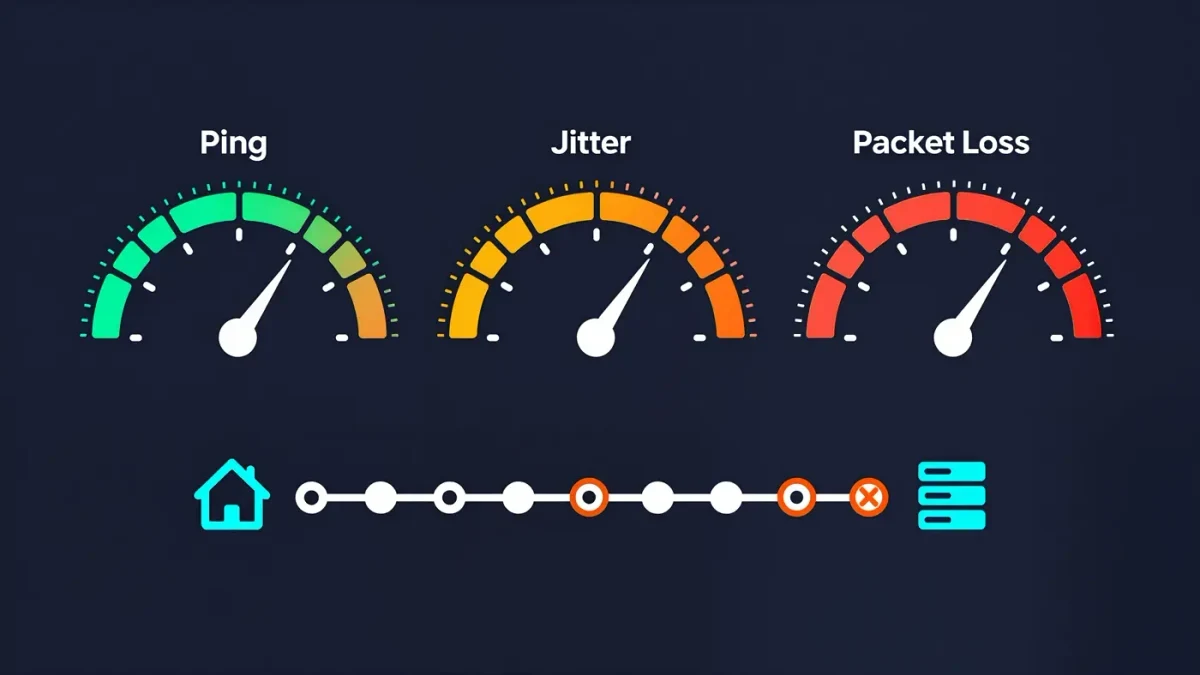
High ping is fixed by changing what your traffic travels over — a wired connection instead of Wi-Fi, the nearest server region, and a router not choking on background downloads — not by buying faster internet. Ping measures round-trip time to the game server in milliseconds; under 50 ms feels local, 50-100 ms is playable, and above 150 ms most fast games visibly suffer. Two related numbers matter just as much: jitter, the variation between pings, and packet loss, packets that never arrive. The U.S. Federal Communications Commission's consumer guidance treats latency as a first-class metric of connection quality for exactly this reason.
This is a networking guide, not a service-tier purchase recommendation, and figures describe typical behavior rather than any one provider's promises.
What is the difference between lag, ping, jitter, and loss?
Ping is the average round trip. Jitter is how much that number swings — a steady 80 ms connection often plays better than one bouncing between 30 and 120 ms. Packet loss is the worst of the three: lost packets mean the game never received your input or a position update, which shows as rubber-banding and teleporting opponents. Games' network readouts usually expose all three; learn to read them, because each has different fixes.
Why is Wi-Fi the first suspect?
Because it adds jitter and loss even when speed tests look great. Microwave ovens, neighbors' networks, walls, and distance all interrupt a Wi-Fi link momentarily, and a 5 ms average with spikes tells you nothing about the spikes. An Ethernet cable to the router removes the entire variable. If a cable is impossible, at least use the 5 GHz band, sit within clear range of the router, and check whether other devices stream video during your play hours.
How do you find where the delay comes from?
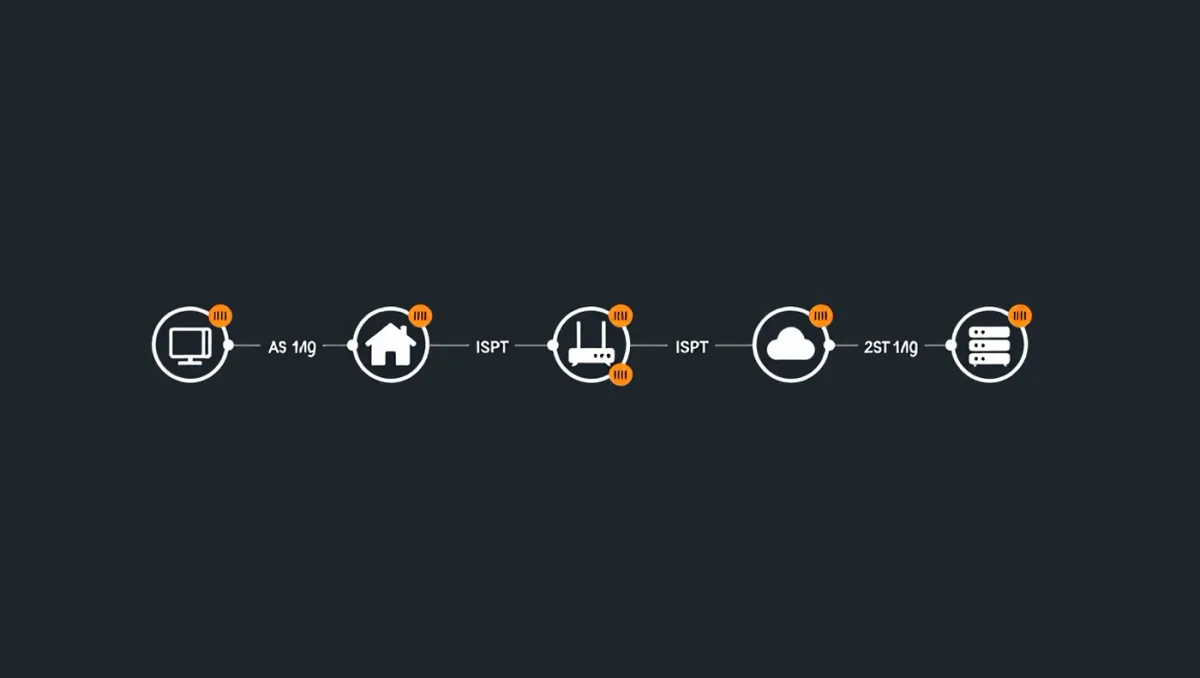
Run a traceroute to the game's server or a nearby test point, and compare. If the first hop — your router — already shows delay or loss, the problem is inside your house: Wi-Fi, an old router, or a saturated connection. If delay starts at your provider's later hops, the problem is on their route, which you can sometimes sidestep with a different server region and otherwise report. Most games also show per-server ping in the browser; pick by number, not by geography or habit.
What background traffic causes spikes?
Anything that uploads or downloads in bursts: cloud photo backups, operating system updates, another household member's video calls, game launchers patching in the background. Upload saturation is especially vicious — a saturated upload link delays every packet you send, including your inputs. Pause launchers before playing, schedule backups overnight, and if others share the connection, enable quality-of-service rules on your router so game traffic gets priority when the link is busy.
Does a faster internet plan help?
Rarely. Bandwidth is capacity; ping is distance and route quality. A 1 Gbps plan to a distant server still pays the physics of distance and the provider's routing choices. A plan change helps only when your current line is degraded or its technology is inherently high-latency — for example, some satellite connections carry far higher base latency than cable or fiber regardless of speed. Check the ping numbers before paying for anything.
Can a VPN reduce ping?
Sometimes, when your provider's route to a game's server is bad and the VPN's route is better — but a VPN adds its own hop, so it usually makes ping slightly worse. Test it with the game's ping readout before and after, and only keep it if your measured number genuinely drops. Do not trust marketing claims about gaming VPNs; your traceroute decides, not the box.
What router settings help?
Update the firmware first — several years of fixes often include better buffer handling. Then look for a QoS or priority setting and classify your gaming device high. Disable so-called gaming accelerations that reroute traffic through vendor services unless measurements show they help. On congested airwaves, changing the Wi-Fi channel can remove neighbor interference. A router restart before a long session is a legitimate fix: it clears memory states that build up over weeks of uptime.
When is it the game's fault?
Often. Server-side trouble shows as everyone in the match rubber-banding at once, region-wide complaints during events, and launch-week overload. Check the game's own status page or its official channels before re-engineering your home network. In that case the fix is patience — nothing on your end changes the server's capacity.
What should you accept as normal?
Physics sets a floor: about 1 ms of round trip per 100 km of fiber, plus routing overhead. A player in Europe on a U.S. server will never see 30 ms. Match region to your location, keep jitter low, and treat losses near zero as the target — those three, more than any product you can buy, are what consistent online play is made of.