The specs that matter are the plain ones: sensor accuracy, switch type, and how the device fits your grip and desk. Per Wikipedia’s overview of gaming mice, sensitivity claims run as high as 25,600 DPI, yet DPI and CPI name the same thing, and the biggest number rarely changes how a game plays.
Mice and keyboards fail in different ways. A mouse fails when the cursor moves when your hand did not. A keyboard fails when the press you made does not register. This guide walks through each spec, tells you what it changes, and separates the numbers worth reading from the ones worth skipping. We covered a connected angle in The Best Graphics Settings for High FPS.
What Mouse Specs Actually Change Gameplay?
Start with the sensor, not the marketing. Per Wikipedia’s gaming-mice overview, sensitivity is measured in dots per inch, and DPI and CPI are the same value, the counts recorded per inch of real movement. A higher ceiling does not aim for you; past the sensitivity your game settings use, extra counts add nothing. The same overview notes that some mice let you add or remove weights, which changes control in your hand more than a bigger number on the box.
Does Polling Rate Matter?
Polling rate is how often a mouse reports its position to the PC each second. Manufacturers advertise rates in the thousands of hertz on current top models, and a higher rate can shave a small slice of delay between your hand and the screen. The gains shrink as the rate climbs, and your monitor’s refresh rate caps what you can actually see. Your hand still sets the line; the rate only reports it sooner. If you play fast shooters, the upgrade is real but small; for most games, a stable wired or solid wireless mouse is enough. For related coverage, see How FPS and Refresh Rate Actually Work.
What Do Keyboard Switch Terms Mean?
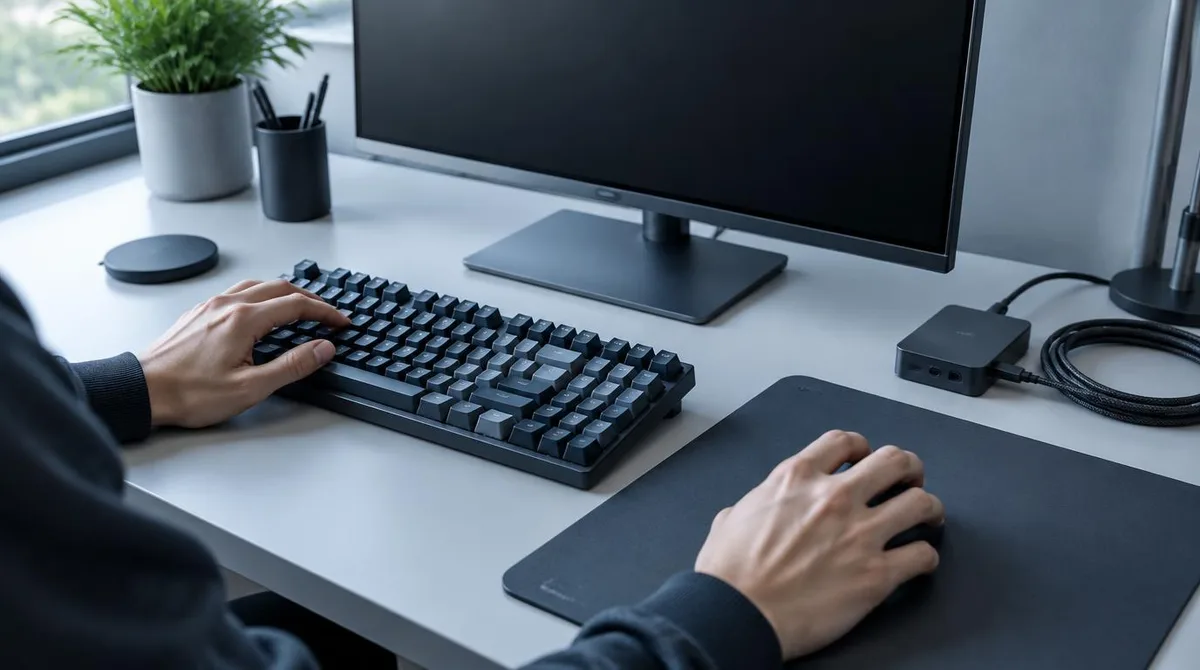
Under each key of a mechanical keyboard sits a switch, and the color codes started with Cherry, which has made the Cherry MX family since the 1980s, per Wikipedia’s keyboard-technology overview. The same overview notes that switch makers such as Gateron and Kailh have imitated that color system, and that no universal definition of a mechanical keyboard exists. What matters for play is the feel: how far a key travels before it registers, and whether that point suits your fingers. Tactile bumps, click bars, and linear travel all exist, and none of them is better by default.
Why Do Actuation Points and Hall-Effect Switches Matter?
The actuation point is where a keystroke registers. Per SteelSeries’s Apex Pro Gen 3 page, that keyboard’s OmniPoint 3.0 Hall-effect switches carry Rapid Trigger and a full adjustability range from 0.1 mm to 4.0 mm. Per Wikipedia’s keyboard overview, by 2025 Hall-effect switches became a mainstream alternative to mechanical contacts, with reset points that move with the key’s upward travel rather than a fixed physical point. Adjustable actuation lets you set a light touch for movement keys and a deeper one to avoid typos.
What Is Key Rollover and Ghosting?
Rollover is how many keys a keyboard can track at once. Per Wikipedia’s keyboard-technology overview, almost all keyboards have only a switch, no diode, at each intersection, which causes ghost keys and key jamming when several keys are pressed together. Keyboards with a diode per key sense simultaneous presses correctly. If your game needs three keys held at once, that part of the spec sheet is the one to check.
Conclusion: Fit Beats Numbers
The mouse spec that matters is an accurate sensor at the sensitivity you already use; per Wikipedia, the DPI label on the box can climb to 25,600 without changing what a game needs. On keyboards, per the overviews above, switch type, actuation, and rollover decide feel and reliability. Grip, weight, and key travel stay personal, so test the shape before you trust the sheet. Specs help you compare; they do not play the game for you.