Stuttering — a frame rate that averages fine but visibly hitches — usually comes from one of four places: shader compilation on first encounter with new effects, a game loading assets from storage mid-play, memory that has filled and forced the system onto slower storage, or a driver and software conflict. The single most effective diagnostic is a frame-time graph in an overlay such as MSI Afterburner or the tools built into GPU drivers: a smooth game plots a flat line, and the shape of the spikes tells you which suspect to interrogate first.
Casino Game Guru publishes information, not technical support. This guide explains what each cause looks like and how the standard fixes work, so you can diagnose your own machine instead of cycling through forum advice at random.
What is the difference between low FPS and stutter?
Low FPS is a steady shortage: every frame is slow, motion is uniformly choppy, and the fix is settings, resolution, or hardware. Stutter is irregularity: most frames arrive on time, then one takes five or ten times longer than its neighbors. Average FPS can look healthy while the game feels broken — which is exactly why averages mislead and frame-time graphs do not. If your 1% lows are far below your average, you have a stutter problem; if everything is low together, you have a performance problem.
Is it shader compilation — the most common modern cause?
Often, yes. Modern games compile shaders — the small programs the GPU runs for each visual effect — and many compile them on first use, meaning the first time you see a new enemy, weapon, or weather effect, the game stops to build its shader. The symptom is distinctive: a one-time hitch the first time something appears, then smoothness on repeat encounters, and often a much smoother second play session. Consoles avoid this by precompiling for fixed hardware; PCs cannot.
The fixes: play the first hour accepting one-time hitches and let the game build its cache; check the game for a "shader precompilation" step on launch and do not skip it; and verify the game is installed on an SSD, because a slow drive makes cache writes and asset loads worse. A game that stutters identically forever on the same effect is not shader compilation — move to the next suspect.
Is it storage or memory?
Both produce mid-play hitches with different signatures. Storage stutter shows up in open-world games while turning quickly or fast-traveling: the game needs assets the drive cannot deliver in time, and you get pop-in, blurry textures that sharpen late, and hitches aligned with movement. The fix is moving the game to an SSD — by 2025 many games effectively required one. Memory stutter shows up in long sessions and heavily modded games: once RAM fills, Windows pages data to the drive, and everything from alt-tabbing to level loads starts hitching. Check Task Manager's memory view during play; use pinned near the ceiling with hitches following is the tell, and the fix is closing background applications or adding RAM.
Is it drivers or Windows?
A standard checklist, in the order that fixes the most machines:
- Update the GPU driver with a clean install — the vendor's clean-install option resets corrupted settings that hitch games.
- In Windows graphics settings, confirm the game uses the correct GPU — laptops with two GPUs frequently stutter because the game runs on the power-saving chip.
- Disable full-screen optimizations for the affected game, a legacy Windows layer that conflicts with some engines.
- Check that Windows itself and the game are current; several notorious 2022–2024 PC ports shipped with stutter that later patches addressed directly.
- Test with overlays disabled — vendor overlays, capture tools, and RGB software all inject code into games and each is a known stutter source.
Is it the hardware itself?
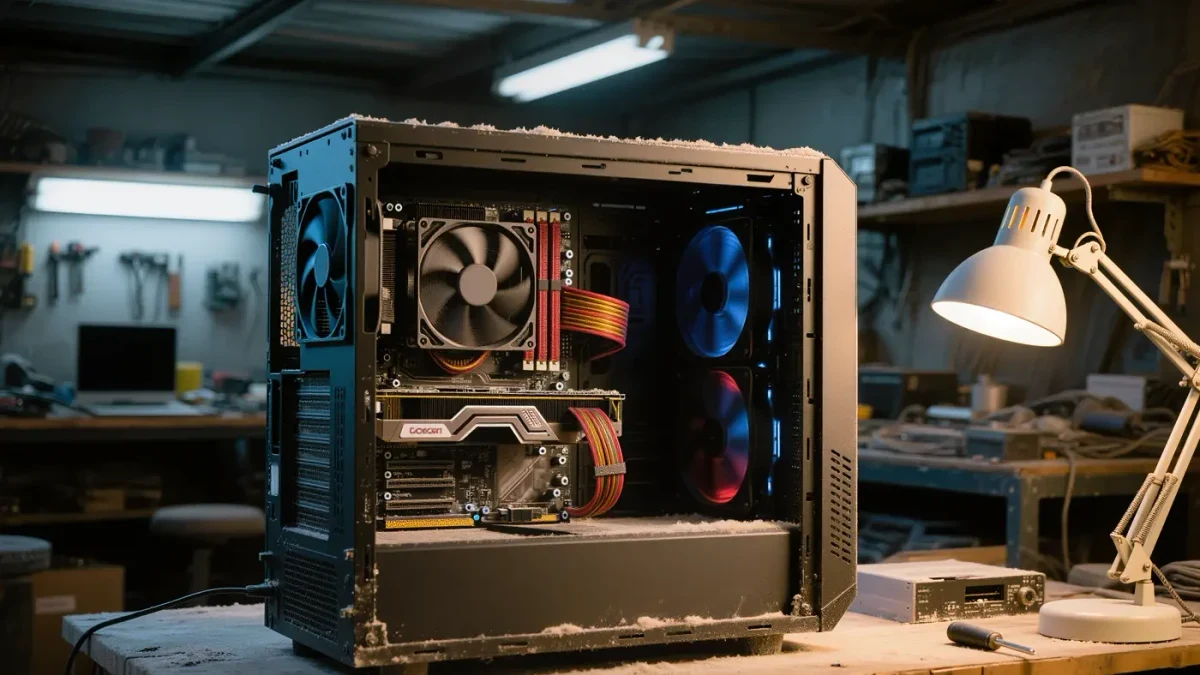
Sometimes. Thermal throttling — the GPU or CPU slowing itself when hot — produces stutter that worsens over a session and correlates with fan noise; monitoring tools show clock speeds sagging as temperatures climb, and the fix is cleaning dust, improving case airflow, or re-pasting an old cooler. Failing storage produces errors and long stalls rather than rhythmic stutter. And an underpowered or aging power supply can cause momentary clock drops under load spikes. These are the rarer causes, worth checking after the software list comes back clean.
What settings most often reduce stutter specifically?
Three levers target irregularity rather than average FPS: frame rate caps — capping at a rate your machine holds constantly flattens frame-time spikes and often feels better than uncapped higher averages; VRR — variable refresh rate absorbs small frame-time variation that would otherwise show as stutter on a fixed-cadence display; and lower draw distance and texture streaming settings — the two options most tied to mid-play asset loading. Turning everything to low sometimes worsens perceived stutter by raising the average while leaving the spikes untouched — a counterintuitive result the frame-time graph explains.
A five-step diagnostic that ends the guessing
- Turn on a frame-time overlay and reproduce the stutter for ten minutes.
- Note when it happens: first-time effects (shaders), movement and loading zones (storage), long sessions (memory), always and everywhere (drivers or hardware).
- Apply the matching fix from the sections above, one change at a time.
- Re-run the same ten minutes and compare the graph.
- Repeat — stutter with multiple causes is common, and stacking fixes without measuring is how people rebuild PCs they only needed to configure.
One change at a time is the rule that separates diagnosis from ritual. Most stutter cases end at steps one through three: a shader cache that needed an hour, a game that needed an SSD, or a driver that needed a clean install.